


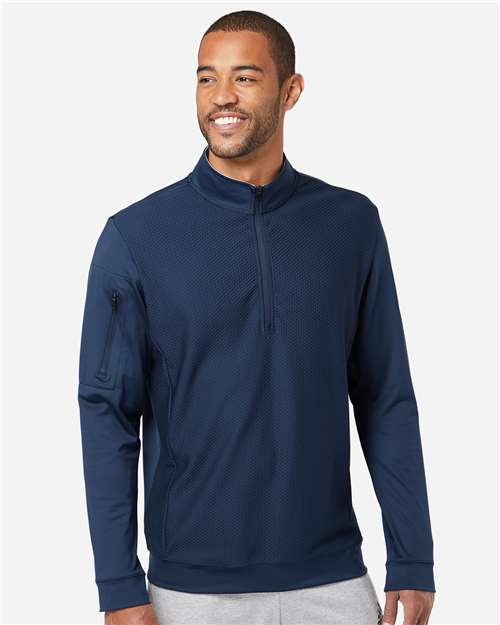
Show customers exactly how their merch will look
The Tally merch editor lets shoppers choose the garment, color, size quantities, decoration areas, artwork, text, and review details before checkout.
Color and size quantities
Customers pick the garment color and enter quantities by size before moving into artwork placement.
Side-based print areas
Enable front, back, sleeve, chest, hat, tote, and custom decoration zones with production-aware bounds.
Artwork and text tools
Support uploaded images, gallery art, text, AI prep tools, and multi-side artwork placement.
Checkout review
Customers confirm every decorated side while Tally carries the details into the cart and order data.
Storefront merch builder Customers customize apparel with guided product, size, artwork, and placement controls.
Built for decorators Decoration methods, print areas, fees, minimums, and review data follow your production setup.
Sell decorated apparel with Tally merch automation
Tally turns blank garment catalogs and custom apparel products into customer-ready decorators. Shoppers choose the garment, color, size quantities, print side, decoration method, artwork, and checkout with real pricing.
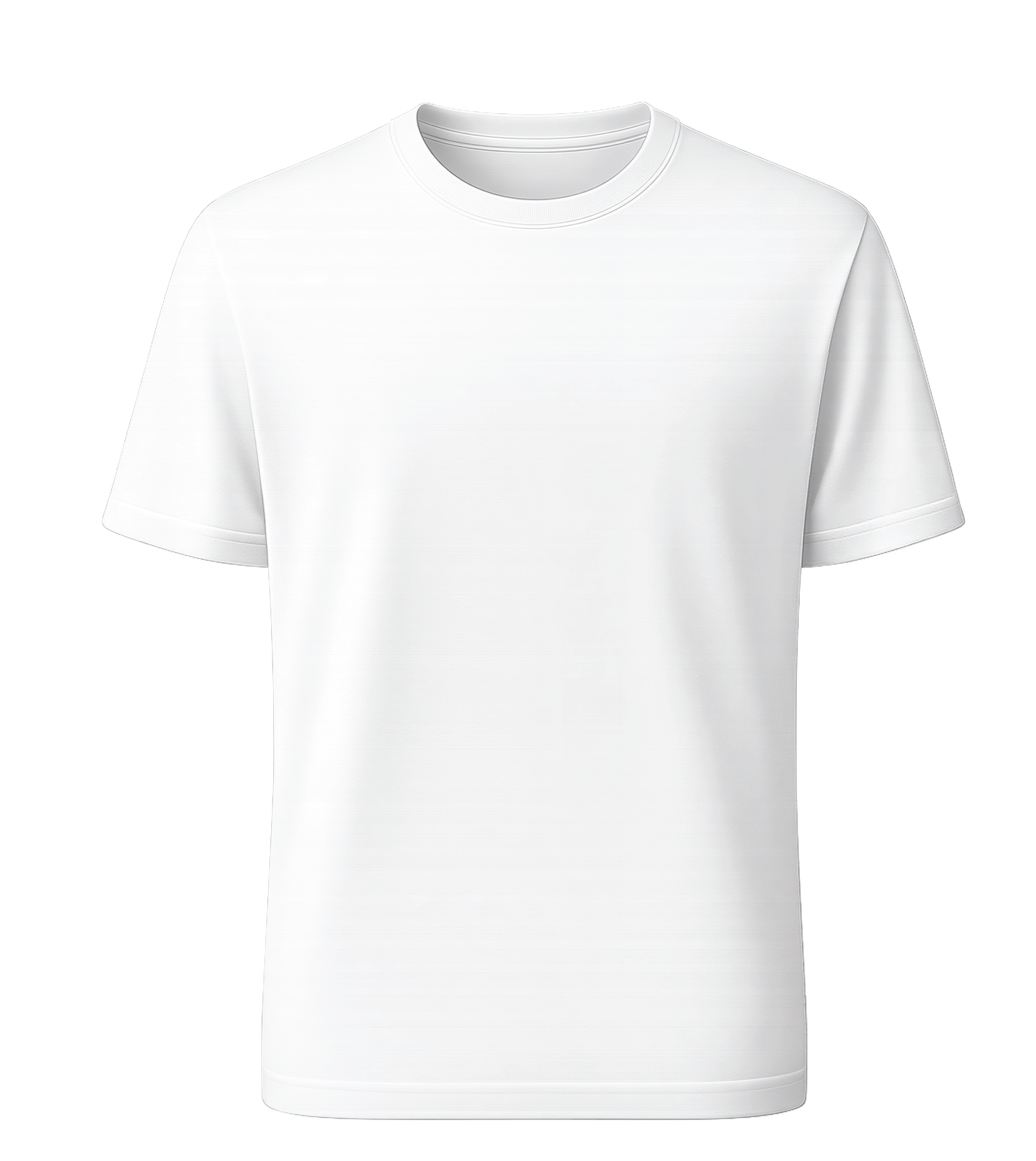 Configurable print areas
Front, back, sleeves, chest, hats, totes, and custom zones.
Configurable print areas
Front, back, sleeves, chest, hats, totes, and custom zones.
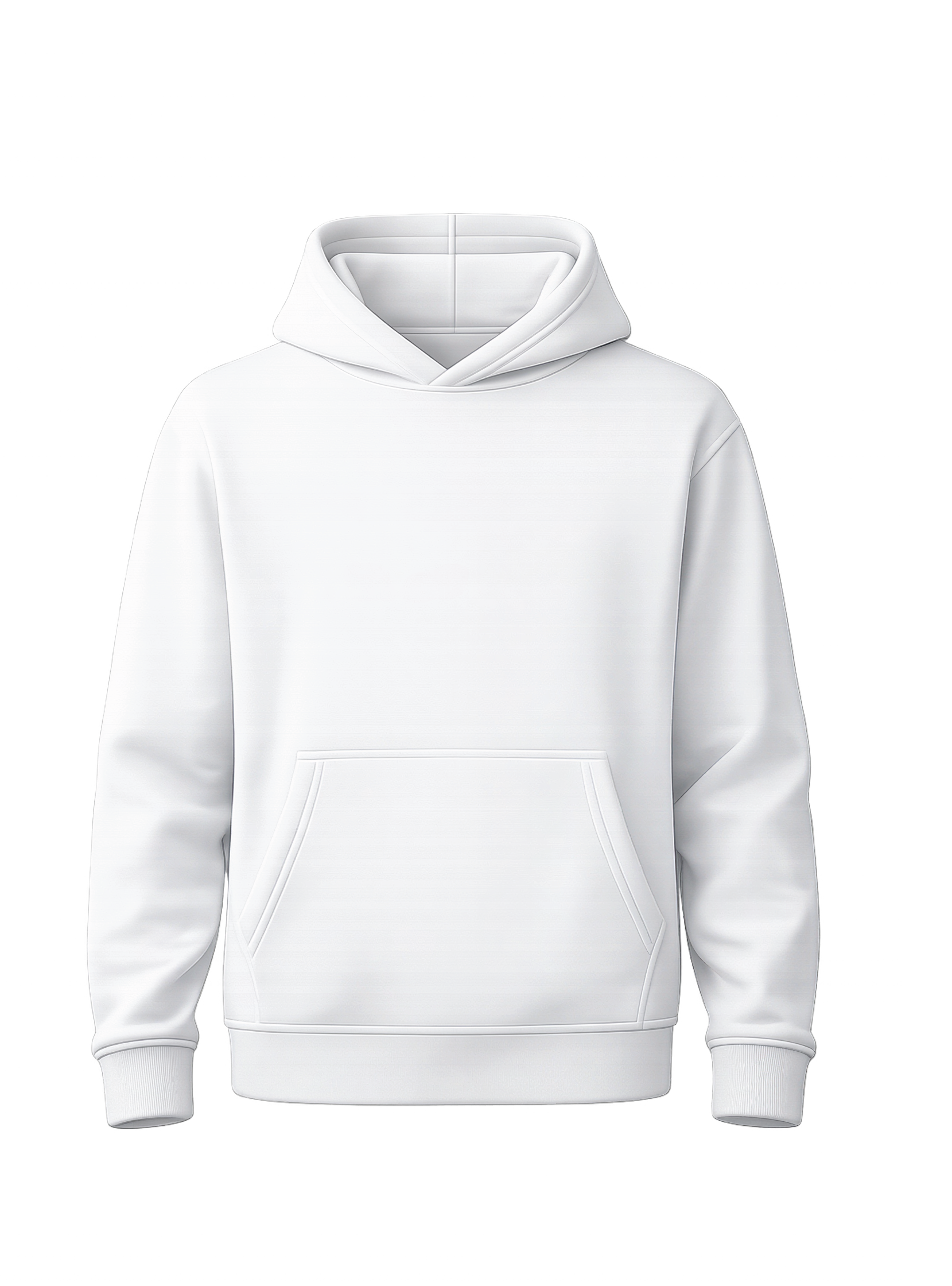 Hoodies and fleece
Use reusable size sets and color-aware mockups.
Hoodies and fleece
Use reusable size sets and color-aware mockups.
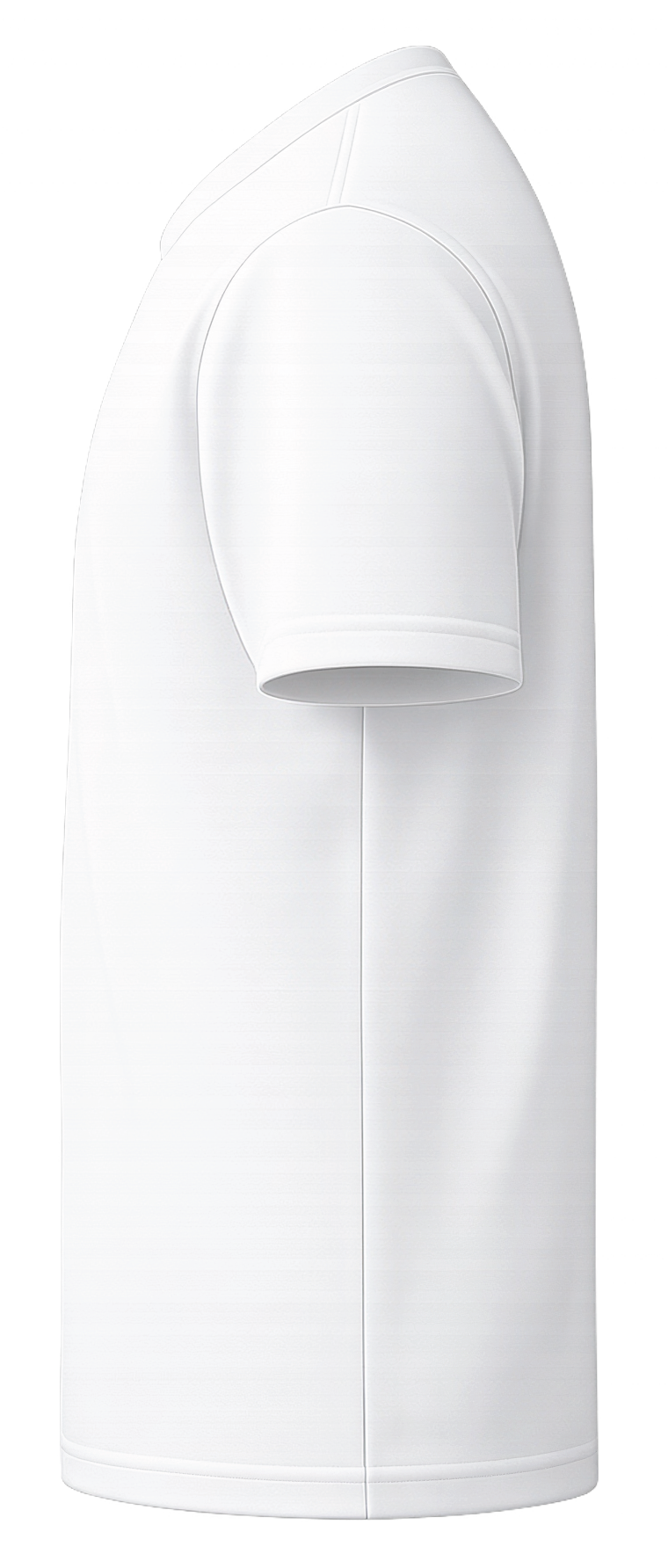 Multi-side orders
Price by item, side, color, image, screen, and setup.
Multi-side orders
Price by item, side, color, image, screen, and setup.
A full merch designer built into your Shopify product page
Product, color, and size quantity selection
Customers choose garment color, see available sizes, enter quantities per size, and get pricing based on the selected blank and decoration setup.
Side-based artwork placement
Enable front, back, sleeve, chest, shoulder, hat, tote, or custom print zones with per-side mockup images and printable canvas sizes.
Saved designs and share links
Logged-in customers can save merch designs, restore them later, or generate share links for approvals and team ordering.
Gallery, text, and extra images
The storefront builder supports image uploads, gallery artwork, text design, QR-capable tools, duplicate/delete controls, and multiple images where allowed.
AI-assisted artwork prep
Artwork tools include background removal, upscale, transparency removal, perf mode, halftone controls, AI image generation, embroidery preview, and screen-print simplification.
Review screen and tech packs
Customers confirm every printed side before checkout. You can allow order notes and enable printable tech packs for production review.
One product can support the decoration types you actually sell
DTF
- Full-color customer artwork
- Per-side and per-image pricing
- Size-based garment fees
- Minimum order controls
DTG
- Full-color direct garment setup
- Fixed fees and markup rules
- Optional order fees
- Multi-side preview workflow
Embroidery
- Thread color sets
- Color cluster preview
- Max color limits
- Setup and side charges
Screen printing
- Pantone ink libraries
- AI spot-color simplification
- Per-color and per-screen fees
- Max color enforcement
Build mockups around the exact decoration zones you offer
Each merch product can define enabled print areas, bounds, DPI, width and height in inches, color-specific image overrides, and color replacement for white-base mockups. Imported products and manual custom products can both be customized.
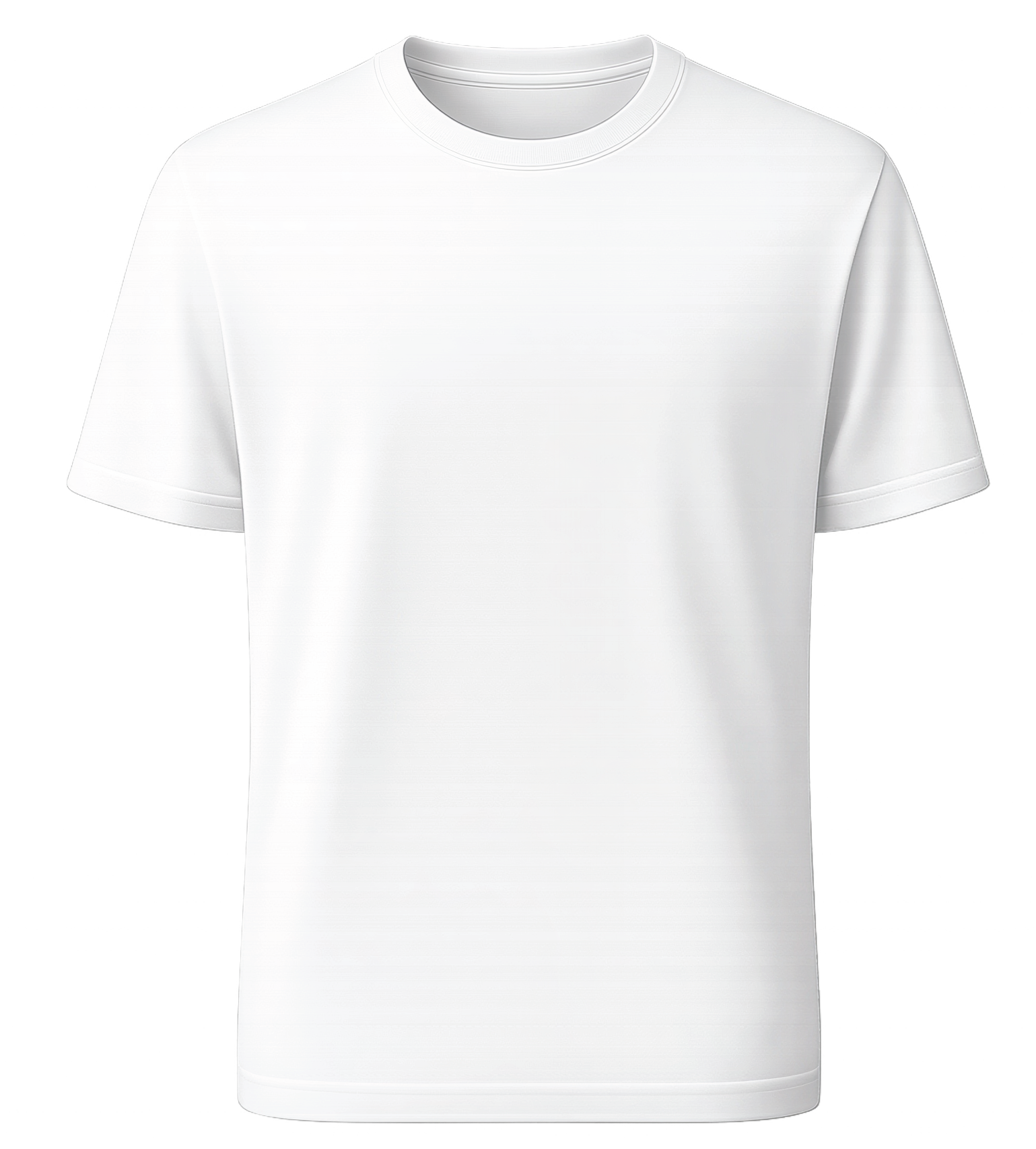 Left chest
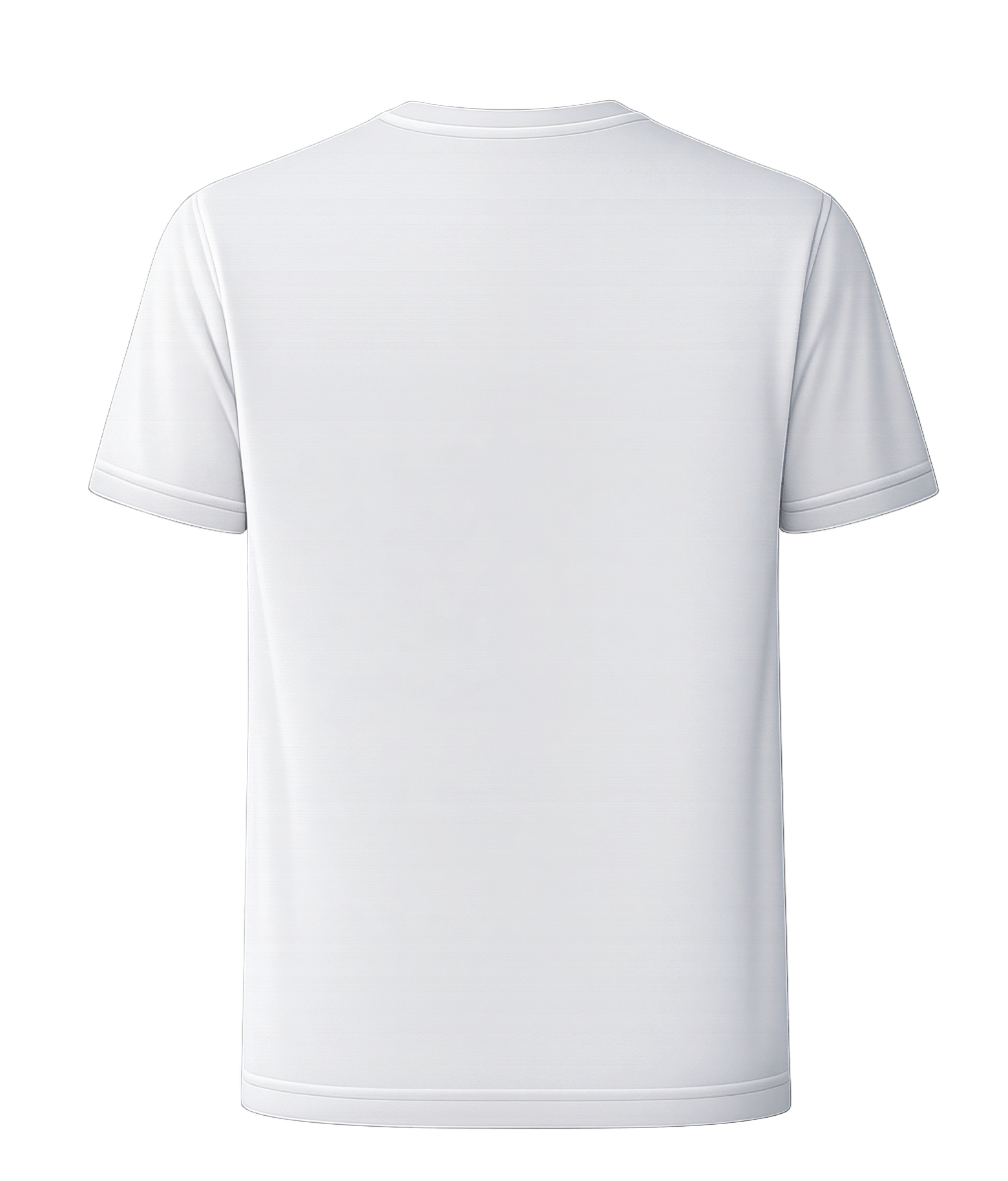 Full back
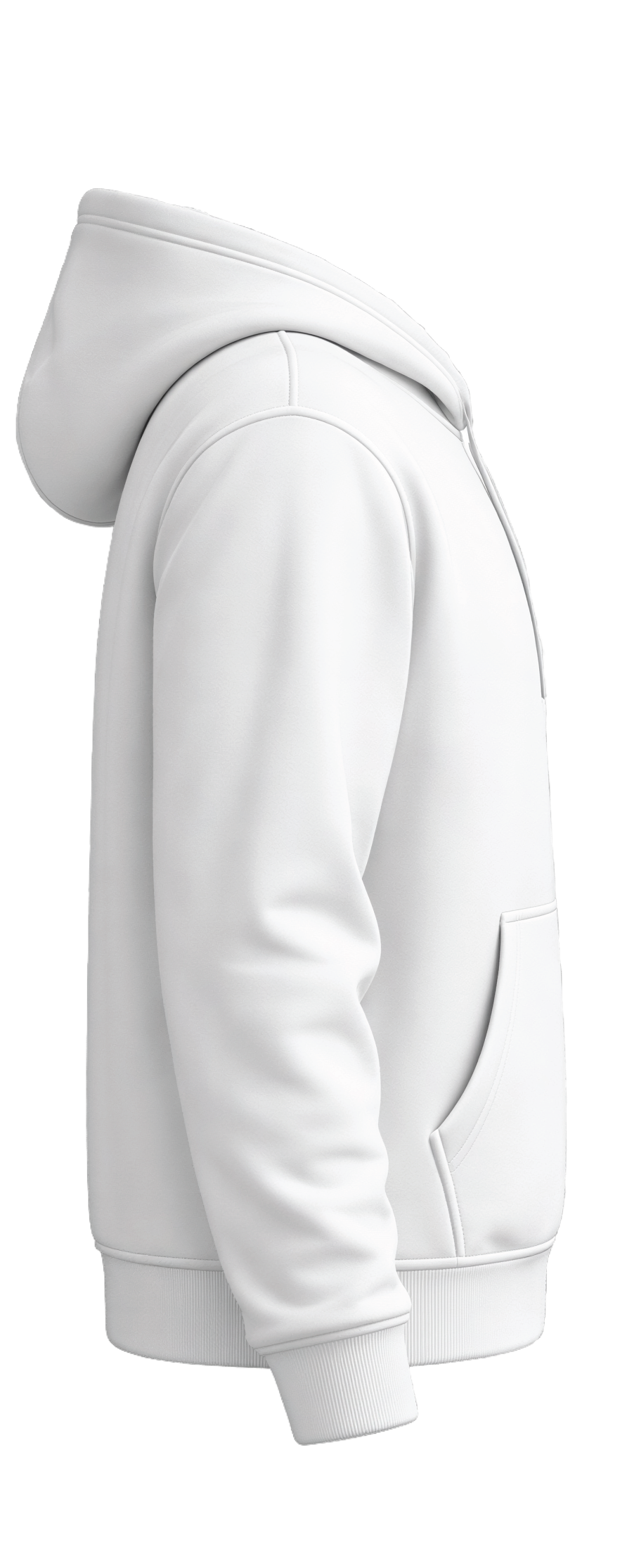 Sleeves
From blank garment to decorated Shopify order
Import catalog products or create your own blanks
Search and import supplier catalog styles, or create manual products with your own colors, size families, variants, inventory, images, and print areas.
Attach decoration methods and pricing rules
Enable DTF, DTG, embroidery, or screen printing per product. Configure markup, setup fees, side charges, color charges, screen charges, image fees, minimums, and size fees.
Customer designs on the storefront
They choose color and sizes, add artwork to the allowed sides, use AI prep tools, review the decorated garment, and add the configured order to cart.
You receive production-ready order data
Orders include garment selections, quantities, selected decoration method, artwork, printed sides, optional fees, discounts, notes, and tech pack data when enabled.
Built for real decoration operations
Catalog import and Shopify product creation
- Import selected supplier styles into Tally.
- Create Shopify products with color and size variants.
- Bulk edit visibility, application types, sizes, colors, pricing overrides, and print areas.
- Enhance merch images for better customer previews.
Inventory and supplier ordering
- Use supplier inventory and low-stock thresholds.
- Auto-hide or unlist out-of-stock products.
- Configure S&S warehouse preference, allowed warehouses, blind shipping, PO prefixes, and shipping methods.
- Use test orders before enabling live supplier ordering.
Reusable color and size sets
- Create reusable apparel colors for mockups.
- Import and restore Pantone screen print libraries.
- Build size sets for adult, youth, baby, one-size, and custom garment families.
- Disable specific colors and sizes per imported product.
Fees, discounts, and minimums
- Add optional per-item or per-order fees by decoration type.
- Create discounts by cart value, item quantity, or printed side quantity.
- Set minimum price, minimum order amount, or minimum quantity.
- Use advanced imported product pricing tiers by blank cost.
Ready to sell decorated merch without manual quoting?
Give customers a guided merch builder while Tally handles garment options, artwork tools, pricing logic, discounts, inventory, and production order details.
Install Tally on Shopify