


Materials your store can offer
 Glossy
 Matte
Matte Holographic
 Prismatic
 Glitter
 Pixie Dust
 Clear
Clear Mirror
 Gold
Gold Glow in the Dark
Materials Admin Menu
Every material. Your production rules.
Build the exact material catalog your shop can produce. Tally gives you individual control over availability, output limits, specialty printing capabilities, and pricing for every material.

-
Activate Your Materials
Enable only the materials you produce, choose the default option, and keep your storefront offering focused.
-
Control Output Size
Set the maximum sheet width and PDF output height separately for every material in your catalog.
-
Specialty Ink Controls
Turn white ink printing and spot gloss availability on or off at the individual material level.
-
Flexible Material Pricing
Price by square inch, millimeter, or centimeter—or start with a base price and add a percentage for specialty materials.
One menu. Complete control from storefront pricing to production-ready output.
Pricing & Templates AI
Sticker setup doesn't have to be complex.
Just tell Tally what you want. The Pricing & Templates AI can help configure pricing, activate materials, build discounts, select templates, add fees, and update your current setup—all from one simple prompt.
- Set prices, units, material availability, discounts, templates, and fees in one conversation.
- Your agent keeps the context of your settings and earlier prompts, so follow-up changes feel natural.
- Change current settings on the fly without hunting through every menu or rebuilding your setup.
Pricing
Volume Discount Pricing
Encourage larger orders with automatic cart-based discounts. Fully configurable in your Tally admin.
Print Area
Reward More Printed Area
Create discount tiers around the total print area in the cart, giving customers a reason to add more while you protect your margins.
Use either discount method—or combine both for even more control.
Tally Sticker Sheets
Let customers build complete sticker sheets directly on your Shopify store. They can choose a sheet template, upload multiple sticker designs, arrange everything visually, and send you a print-ready order with saved layout data and cutline information.

Sheet-Based Builder
Customers work from predefined sheet templates with real physical dimensions, so every order starts from a production-ready sheet size.
Multiple Stickers Per Sheet
Instead of ordering one sticker at a time, customers can place several sticker images on one sheet and adjust the layout before checkout.
Per-Sticker Cutlines
Each image can receive its own generated cutline, with backend support for tracing, restoring, and preserving cutline previews through the order flow.
Background Artwork
When enabled, customers can add a decorative background image behind the sticker placements to create themed or branded sheets.
Design Tools Built Into Sticker Sheets


No more spending hours building sticker sheets by hand
Your clients can design their own sheets: choose which uploaded files are stickers, choose which files are decorative elements, add backgrounds, place artwork, and submit a complete layout. Tally turns that customer-built sheet into production-aware order data in minutes.
Print-ready cutline output
Tally is designed to generate clean print-ready files from what your customer submits, including outside sheet paths named PerfCutContour and inside sticker sections named CutContour as spot colors with accurate cutlines for production workflows.
What Customers Can Do
Create the Sheet
- Choose from available sticker sheet templates.
- Upload multiple sticker images into one sheet.
- Arrange, resize, rotate, and position designs visually.
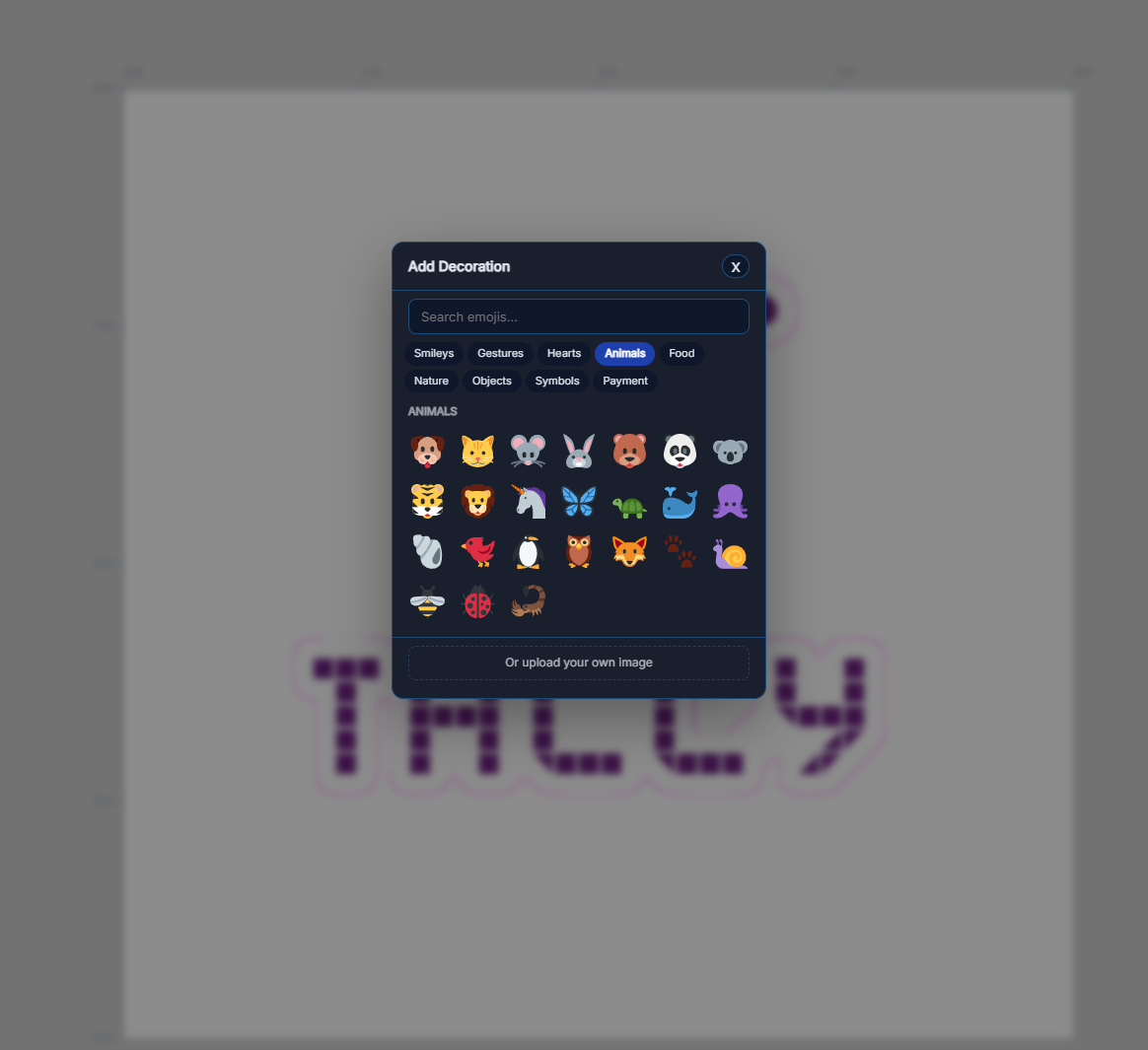
- Add text, emojis, gallery art, backgrounds, colors, or decorative-only elements where enabled by the store.
Control the Cut
- Generate cutlines for individual sticker images.
- Mark artwork as stickers that need cutlines or decorations that should remain visual only.
- Use contour settings for trace, shape, and edge behavior.
- Restore cutline previews when editing or reordering.
- Keep rotated sticker cutlines aligned to the rendered artwork.
Order with Confidence
- See pricing update in the storefront flow.
- Keep sheet layout data attached to the order.
- Recover or reorder past sticker sheets from the dashboard.
- Send the shop cleaner production files with PerfCutContour and CutContour spot color cutline data.
How the Sticker Sheet Workflow Works
Pick a sheet template
The customer starts with a configured sheet size, such as a label sheet, kiss-cut sheet, or custom sticker sheet format.
Add stickers, decorations, and backgrounds
They upload artwork, pull from the gallery, add emojis, change the sheet color, and decide which files become cut stickers versus decorative elements.
Generate and preview cutlines
Tally creates cutline data for the sheet items and keeps the previews aligned with the final rendered sticker positions.
Receive print-ready production data
The final sheet layout, metadata, cutline references, and production spot color naming are saved with the cart/order so the shop can process the sheet and the customer can reorder it later.
Why Print Shops Use Tally Sticker Sheets
Less Manual Setup
Customers handle placement, backgrounds, decorations, and layout before checkout, reducing back-and-forth and manual prepress work.
More Flexible Products
Offer full sticker sheets, label sheets, themed sheets, and multi-design sheets from one storefront workflow.
Cleaner Reorders
Saved layout references and dashboard reorder support help repeat customers buy the same sheet again faster.
Production-Aware Data
Sticker sheet metadata, cutline previews, layout references, PerfCutContour paths, and CutContour sticker sections stay connected to the order for smoother print production.